
How to Remove a Caregiver and Make the Patient a Regular Patient
A caregiver can be removed in the following scenarios:
- The patient turns 14, at which point they can manage their own chart.
- The patient has obtained a personal email and phone number, making a caregiver unnecessary.
The option to remove all caregivers is available only when the patient is 14 or older.
Steps to Remove a Caregiver:
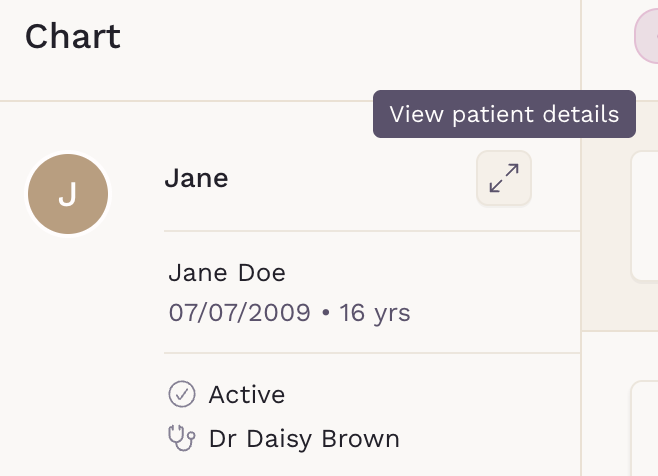
- Navigate to the patient’s chart.
-
Locate the Caregiver section inside the patient's details.
-
Click Remove all caregivers.
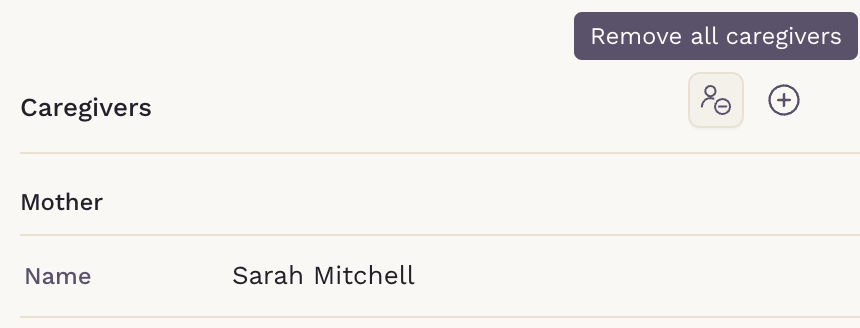
- Confirm the removal.
Important Notes:
- Removing a caregiver does not impact the patient’s health records.
- Removing a caregiver means that the patient will be converted into a regular patient.
- The patient will still have full access to their existing records in SigmaMD.