
How to Correct a Lab or Imaging Result Assigned to the Wrong Patient
If a lab or imaging result was manually assigned to the wrong patient, SigmaMD allows you to correct it safely. The steps depend on whether the result has already been reviewed.
This article explains when reassignment is possible and how to do it, while keeping patient records accurate and compliant.
Before you start
You can reassign a result only if:
- It was manually assigned to a patient.
- It came from a fax or was an electronic result that couldn't be automatically assigned.
Results that were automatically matched and assigned by the system can't be reassigned.
If the result has not been reviewed
- From your home screen, click Lab results to review or Imaging results to review
- Open the test
-
Click Edit patient next to the patient's name
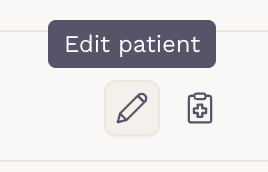
- Select the correct patient and confirm.
If the result was already reviewed
Reviewed tests can be corrected within 30 days.
Step 1: Return to Pending
- From your home screen, click Lab results to review or Imaging results to review
-
Open the Recently reviewed tab
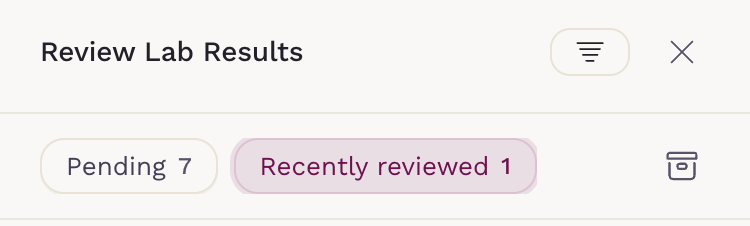
- Open the reviewed result
-
Click Return to pending
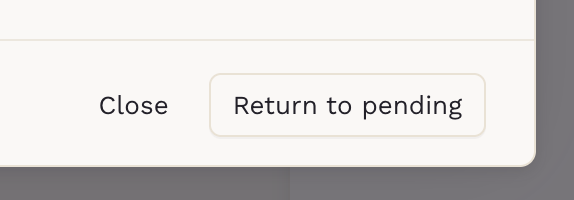
This action removes the result from the patient's chart and returns it to the Pending tab.
Step 2: Reassign the patient
- Open the test from the Pending tab
-
Click Edit patient
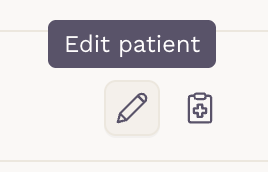
- Assign the correct patient
Archive or discard a result
If you need to discard a manually assigned result entirely, open the result, click Edit, remove the patient, and then click Save.

If the result was originally an electronic orphan result, you’ll have the option to archive it. If it was a fax result, you’ll first see a confirmation modal. Once you confirm, it will return to its original state, meaning it will no longer be treated as a result.

Using this process ensures patient records stay accurate and keeps result management HIPAA compliant.