
Best Practices for Creating a Form
Well-built forms save time for your team and make the experience easier for patients. A few thoughtful decisions during setup can significantly improve completion rates and reduce back-and-forth.
Below are practical guidelines to help you design forms that are clear, efficient, and easy to complete.
Keep It Focused
Only include questions that are truly necessary for the purpose of the form. If a field doesn’t directly support clinical care, billing, or compliance, consider removing it.
Shorter forms are more likely to be completed in full.
Be Selective with Required Fields
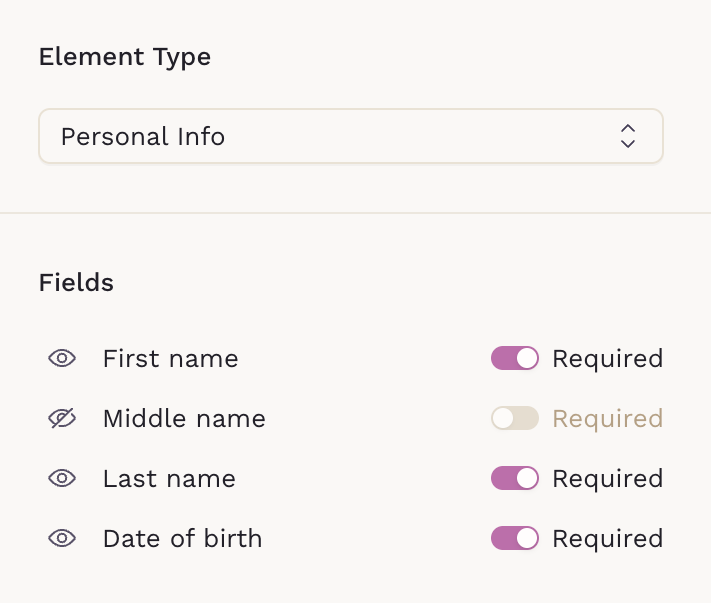
Mark fields as required only when the information is essential.
Too many required fields can create friction and increase abandonment. Patients are more likely to complete forms when they feel the process is reasonable.
If a question isn’t critical for that specific form, consider hiding the field instead of leaving it visible and optional. This keeps the form cleaner and helps patients stay focused.
Use Clear Labels and Descriptions
Write labels in plain language. Avoid abbreviations or internal terminology.
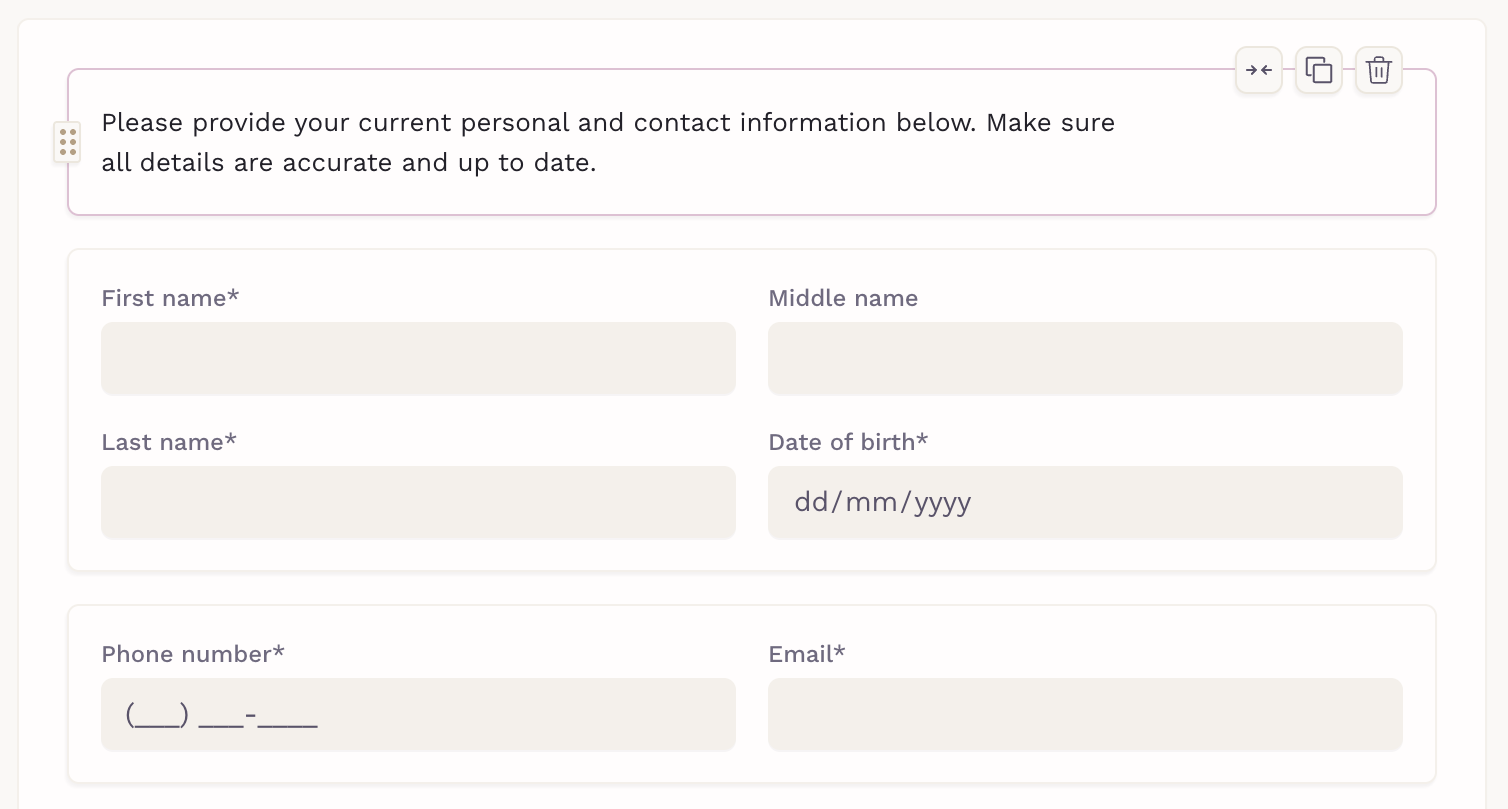
If a question may need clarification, use the Content Text element to provide brief guidance. A short sentence explaining what you’re asking for can prevent confusion and incomplete answers.
Choose the Right Field Type
Match the question to the correct input type:
- Use multiple choice when patients need to select one or more options from a predefined list
- Use dropdowns to reduce long scrolling
- Use short text for concise answers
- Use long text only when detailed explanations are necessary
- Use legal/consent fields when collecting acknowledgments, agreements, or signatures. These should be clear, explicit, and intentionally confirmed by the patient.
- Use scored matrix fields when you need structured responses across multiple related items (e.g., rating frequency, severity, or agreement levels). This keeps answers standardized and makes results easier to interpret and track.
Group Related Questions
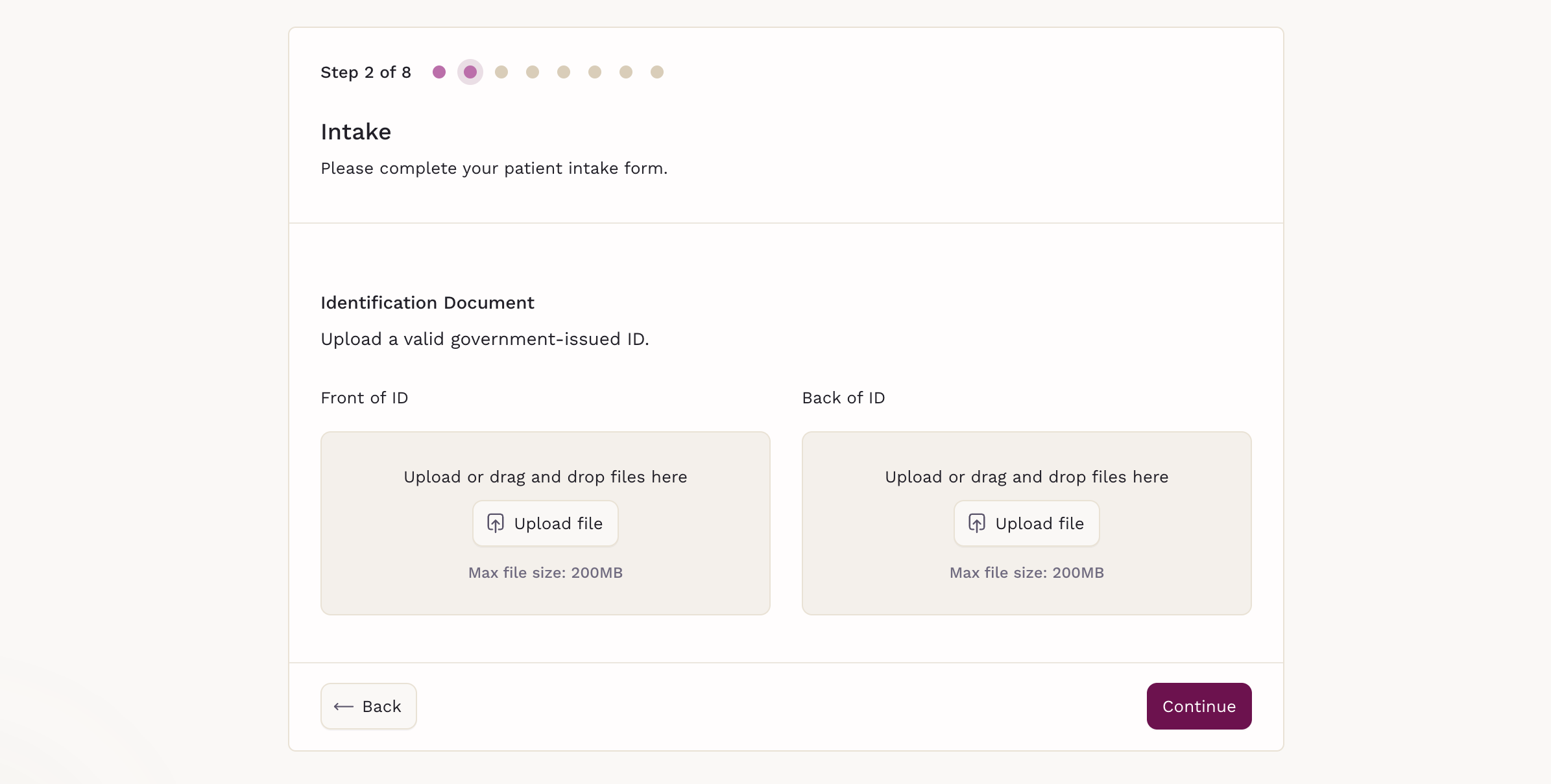
Organize questions into logical sections (e.g., File Upload, Medical History, Consent).
When you add sections, the form is divided into clear steps. This gives patients better visibility into their progress and helps them understand how long the form will take to complete.
Structured sections improve readability and make the experience feel more manageable, increasing the likelihood of full completion.
Avoid Repetition
Before creating a new question, check whether similar information is already being collected elsewhere. Redundant questions slow down completion and can frustrate patients.
Test Before Sending
Always preview and complete the form yourself before assigning it.

This helps you:
- Confirm the flow makes sense
- Catch unclear wording
- Identify unnecessary required fields
- Ensure the form works well on both desktop and mobile
A quick test prevents avoidable issues later.
A well-designed form respects your patients’ time and reduces administrative follow-up for your team. When in doubt, simplify.