
Release Notes - March 26, 2026
This update brings several improvements to forms, patient communication, and EDI management. Most changes are focused on reducing manual steps and making key workflows more reliable.
Organization Contacts
Contacts now use a new structure that supports an organization contact, which has a single fax number and can then have a list of associated individual entities, allowing for richer and more accurate contact records, especially when adding contacts from hospitals or larger clinics.
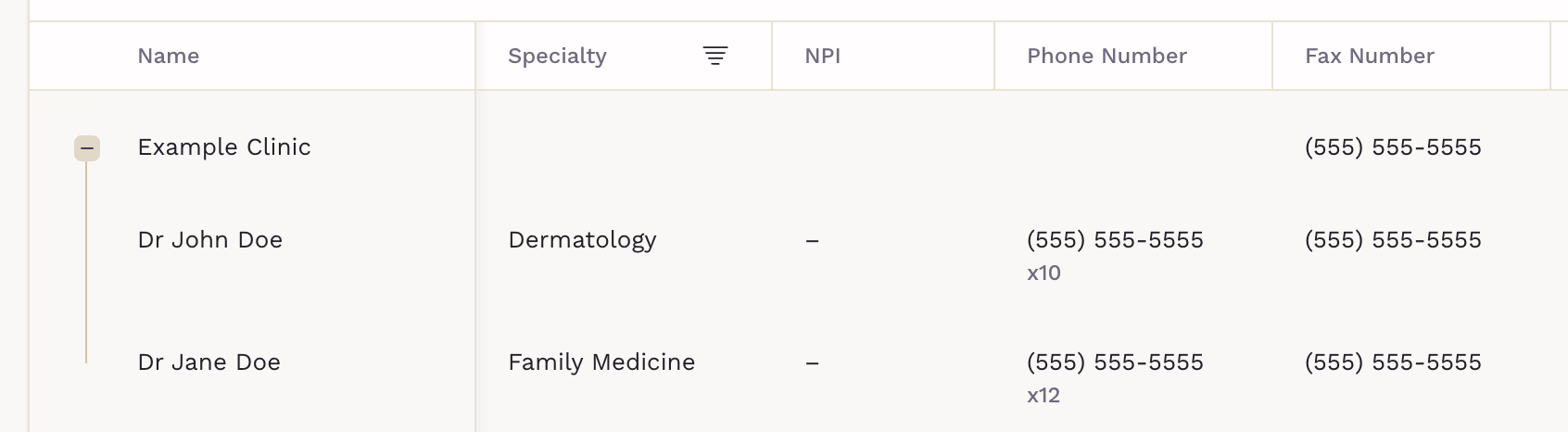
Also, search accuracy has been improved, CSV import has been updated to match the new structure, and faxes can be sent by entering the number first.
Share Forms in Chat
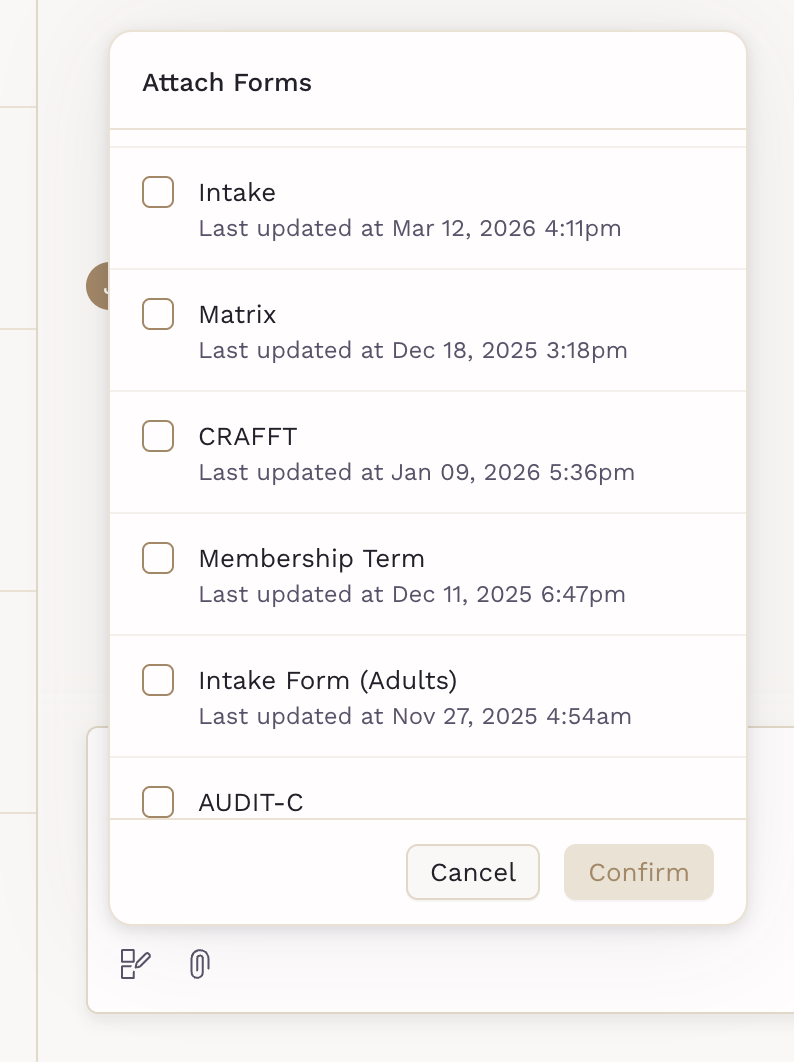
You can now send forms to patients directly from the chat. The patient is notified within the conversation and can access the form from there.
To send a form, open a chat with a patient, click on the Forms icon next to Attachments, and choose one or more forms from the list.
Eligibility Sync Improvements
Several updates were made to the Eligibility Sync enrollment and management experience:
- Daily Summary of Changes: Clinic admins receive a daily email listing new eligible patients and terminations for the day or for the future.
- Pre-processing Validation & Error Notifications: EDI files are now validated before processing. If an issue is found, an automatic email notification is sent, reducing silent failures.
- Enrollment on Past Dates: Benefit start dates can now be backdated during EDI enrollment. The system auto-prefills the start date and validates the entry to prevent downstream errors.
- Updated Plan Status Labels: Plan statuses on the EDI screen now use clearer, more descriptive Eligible and Ineligible labels to reduce ambiguity.
- New Filter: A new toggle under Plan Status allows filtering for patients marked ineligible who don't have an associated chart. These patients are now hidden from the table by default.
Employer Invoice Email Contacts
You can now select which employer admin contacts should receive invoice emails. This is configured on the employer management screen when creating or editing company administrators, allowing more targeted distribution. The primary administrator will always have this setting turned on.
Clinician Email Notifications for Form Responses
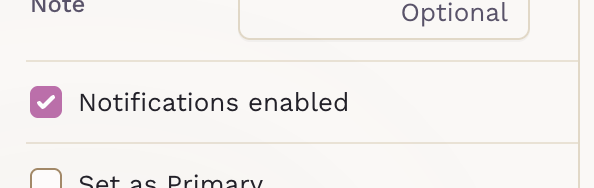
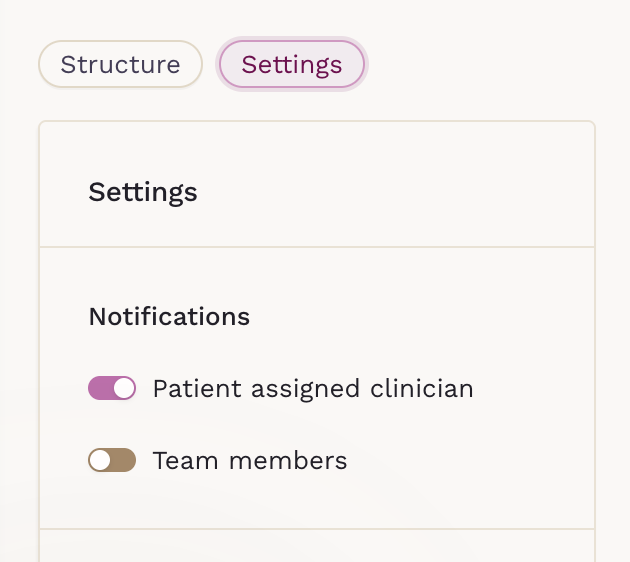
Clinicians can now receive an email notification when a patient submits a form. This setting is configurable per form:
- Edit the Form and select the Settings tab.
- Scroll down to view the Notifications section.
- For each patient answer, select who will be notified.
Chat Type Reordering
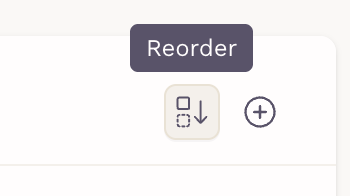
You can now customize the display order of chat types when the patient initiates a chat. Go to Practice Settings > Communication, click Reorder, then drag and drop the chat types to the order you prefer, and save when done.
Forms PDF Export
Patient form responses can now be downloaded as a PDF. From the patient's chart, select an answer form, and from the three dots button, click on Download PDF.

Other Improvements
- Improved Outbound Fax Quality: Outbound faxes now render at a higher resolution, resulting in clearer documents on the receiving end.
- Anonymous Invoice PDF Download: download a version of employer invoices that excludes patient-identifying information.
- Broadcast Default Patient Status: The patient status filter when creating a broadcast message now defaults to "Active.
If you don't see the updates right away, try performing a hard reload to refresh the platform properly. For detailed instructions, visit our guide.