
Medication Is Not Found in DoseSpot
If you can't find a medication while prescribing, it usually means the drug or specific formulation isn't available in DoseSpot's database. Follow the steps below to resolve this.
Add a new medication in DoseSpot
- Go to Add prescription.
-
Click the Compound tab.
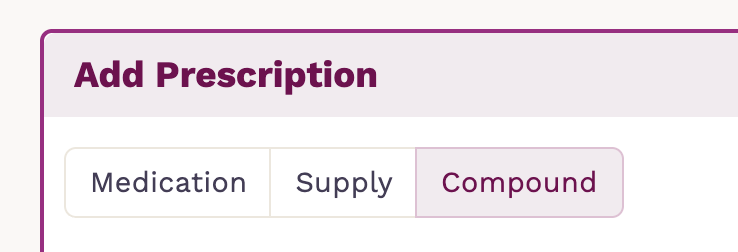
Use the Compound option when:
- The medication doesn't appear in search results.
- You need a specific strength or formulation that isn't listed.
- You're prescribing a custom compounded medication.
- The product must be written as a free-text ingredient.
How to build a compound prescription
- Enter the Ingredient.
- It will open a list of suggestions. If it isn't available, enter the ingredient manually with strength details anyway.
- Enter the total Dispense amount and select the appropriate Dispense Unit.
-
Click on the + icon to add and continue adding more ingredients if needed.

Free-text ingredients are classified as non-controlled substances, so select "This is not a controlled substance."
Finish by entering the compound name, then click Build Compound.
Once created, enter the prescription details and click on Save Prescription. The compounded medication appears in the Pending Medications list, and you can continue to complete the prescription as usual.
Important notes
- Since these aren't pulled from DoseSpot's structured database, ensure the strength, dosage form, and instructions are clearly written.
- Always confirm with the receiving pharmacy whether they require additional details for compounded medications, and transmit the prescription to a compounding pharmacy if that is your intent.